Website inspo
From a doodle to a website
-
It started as a doodle
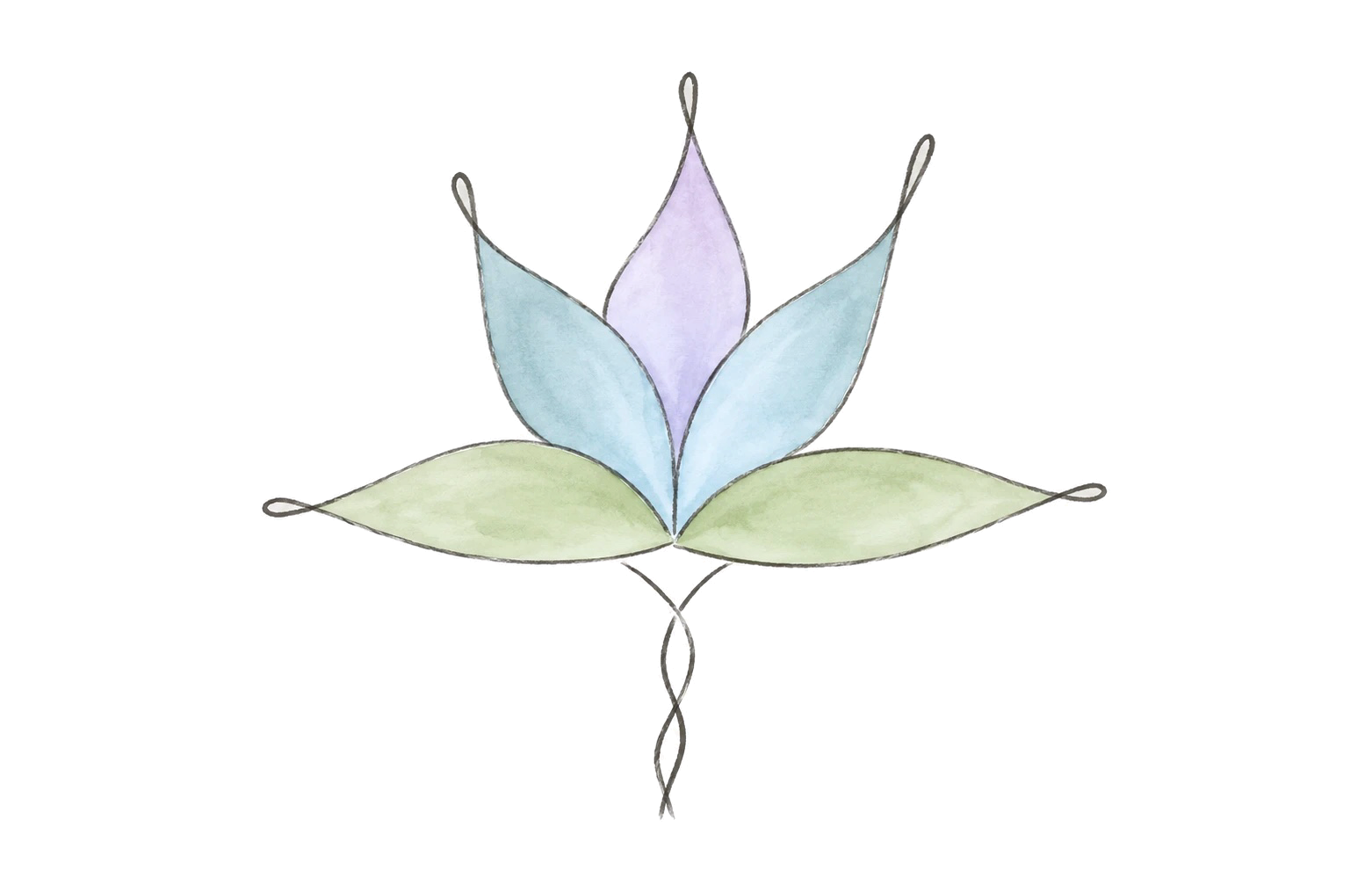
I used to doodle the apetahi, a flower found in our islands, all the time when I was younger. It became the menu of this site, and its stem runs through every section.
The watercolor apetahi shown here was generated with ChatGPT from my doodle.
-
Sketching the layout
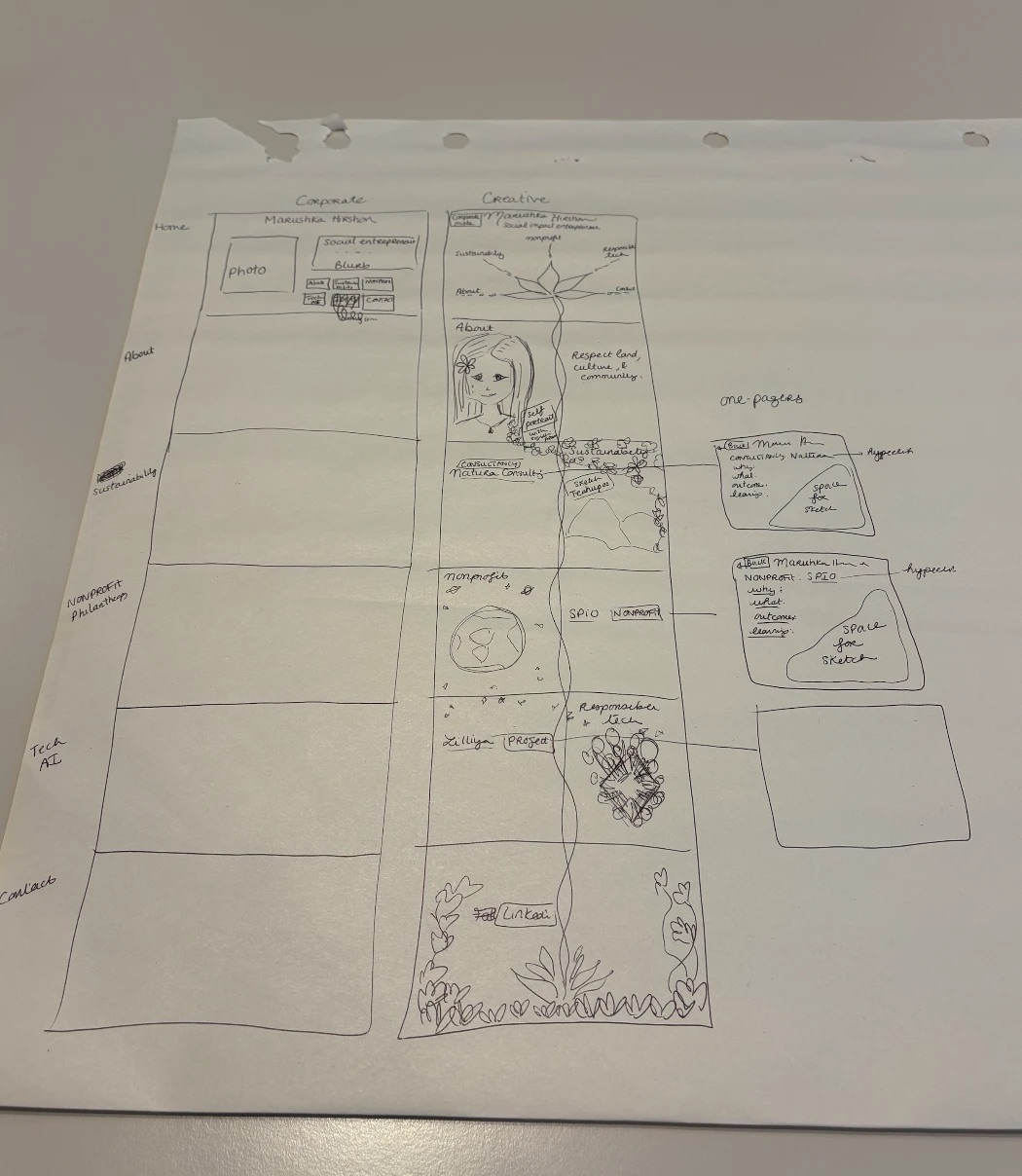
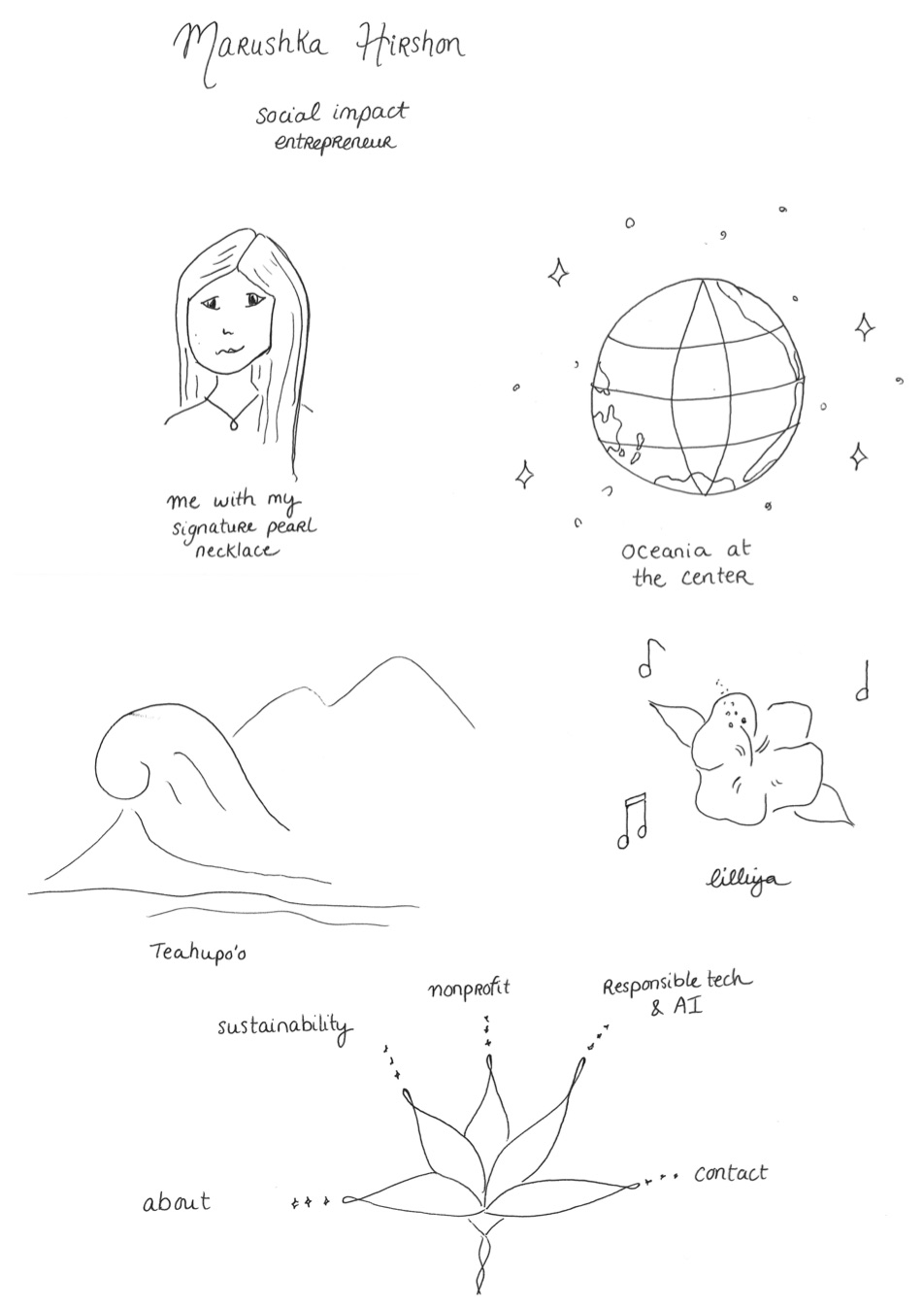
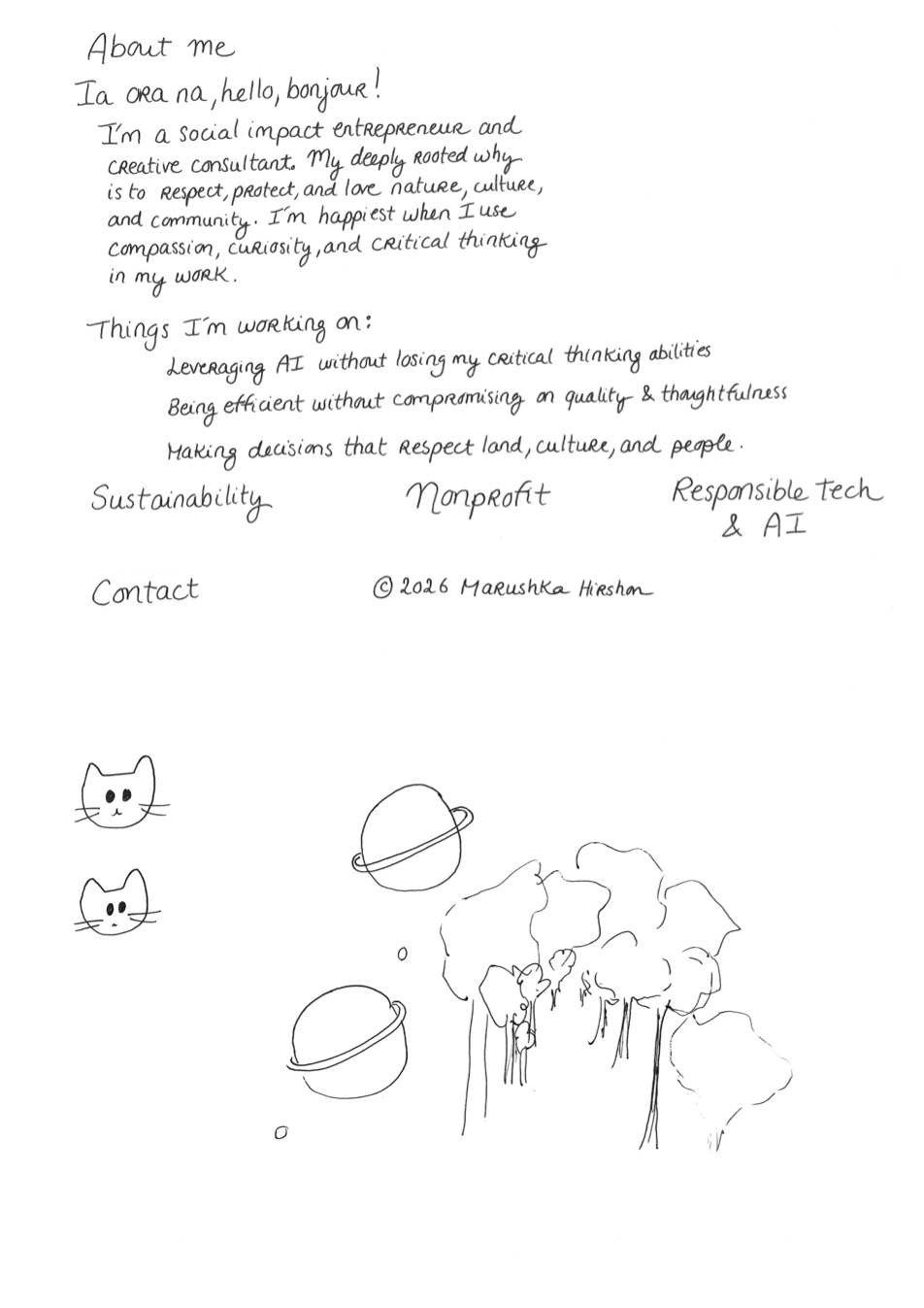
I mapped both versions by hand on one page. A simple corporate site sits on the left. A creative site held together by the apetahi's stem sits on the right, with a one-pager for each project.
-
Drawing every piece
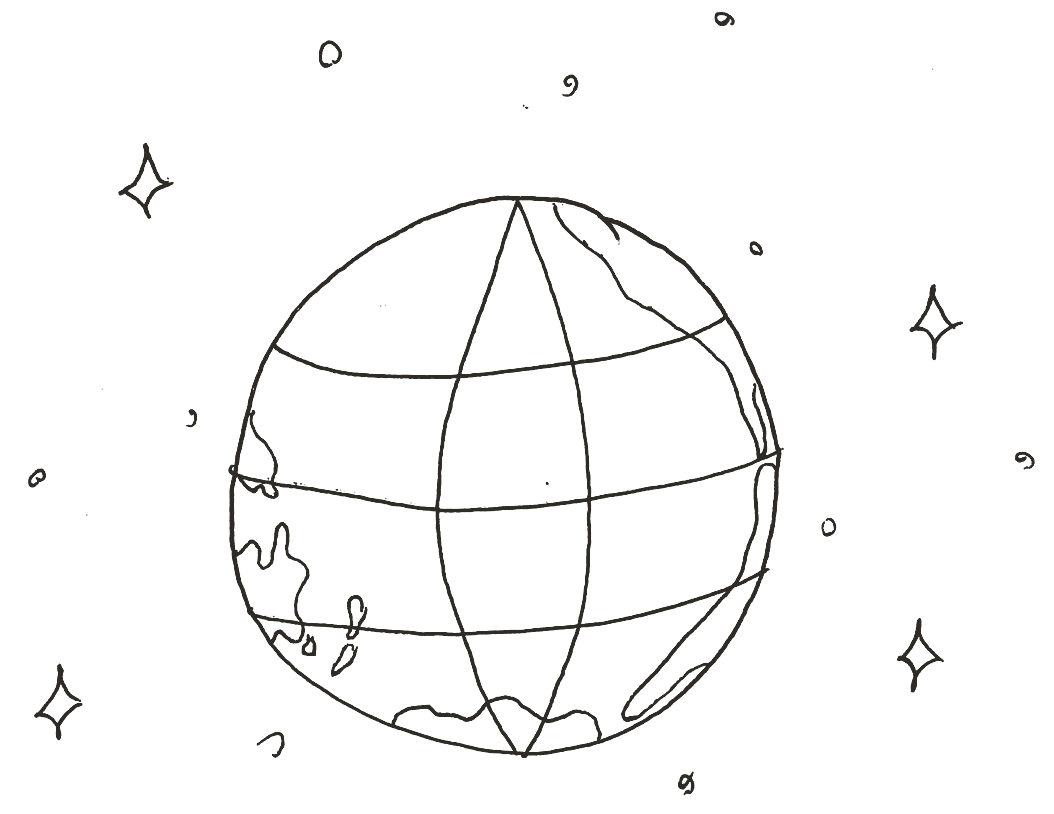
I drew the portrait, Teahupoʻo, the globe, the sound garden and the little stars in ink. I also handwrote the headings, thinking I would use them, but a preset font looked cleaner.
I asked Claude and ChatGPT to fill in my sketches in a watercolor style. The only watercolor I painted myself is the hand-drawn greenery at the bottom of each page. I made it for my project, Lilliya, then scanned it.
-
Bringing it to life
I started with quick sketches, then worked with Claude Code to turn them into this site. Deciding what should stay handmade was the most interesting part.